R
Raster artwork
AI enhancement, background cleanup, FIXR and manual correction for problematic PNG/JPG files.
RasterPNG speeds up the preparation of customer artwork you receive every day. Improve resolution, clean backgrounds, create halftones, vectorize and repair artwork in a single Windows application.
RasterPNG does more than enhance an image: it cleans raster artwork, creates halftones for DTF, and turns simpler graphics into vectors.
AI enhancement, background cleanup, FIXR and manual correction for problematic PNG/JPG files.
A DTF-ready halftone view designed especially for preparing artwork for dark garments.
Clean SVG output from simpler logos and artwork, with sharp contours and scalable geometry.
In a custom gift shop, artwork rarely arrives perfectly prepared. RasterPNG is built for the recurring problems that consume artwork-preparation time every day.
A screenshot, a tiny JPG, a logo saved from the web or another low-resolution graphic arrives.
White or colored backgrounds, dirty outlines, stray pixels and details that become immediately visible in DTF printing.
There is no single workflow: one image needs upscaling, another halftoning, while the next needs vectorization or manual repair.
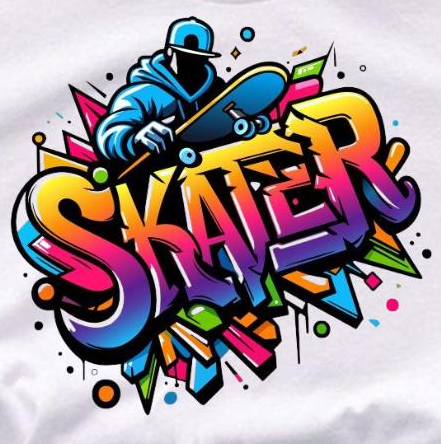
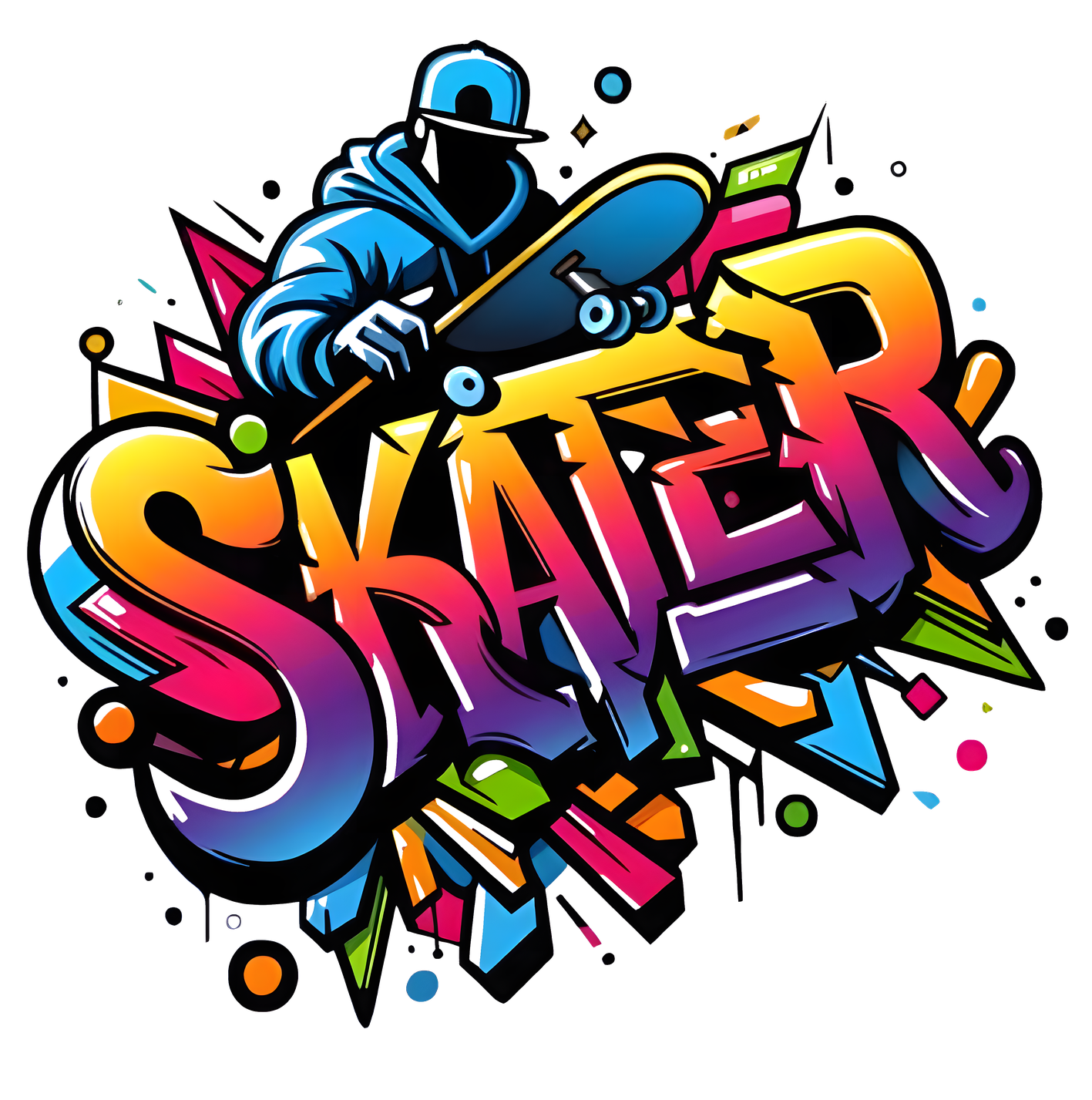
Here we show the original customer artwork next to the RasterPNG result. Both images show the same design so the improvement is easy to see.
Like having another person helping with artwork preparation.
When you process lots of customer artwork every day, a few minutes of manual cleanup per file can quickly become hours. RasterPNG is designed to turn a large part of those repetitive preparation tasks into fast, repeatable operations.
The goal is not to save a few clicks on a single design. The goal is to prepare more orders in a working day with the same team.
FIXR automatically runs the most common repair steps for problematic raster artwork: trim, AI enhancement, background detection, background cleanup and final trim.
RasterPNG was developed by someone with 16 years of T-shirt production experience and 6 years of hands-on DTF printing. Many features came directly from recurring production problems.
RasterPNG is not a Photoshop replacement. It provides fast workflows for cleaning up typical customer artwork before printing.
Improve low-resolution artwork using a local NVIDIA GPU or an available RasterPNG GPU worker.
FIXR combines multiple repair steps into one fast workflow for problematic raster artwork.
Quickly remove background remnants, unwanted colors and stray pixels before printing.
Create halftones for DTF jobs, especially when preparing artwork for dark garments.
Quickly turn simpler logos and artwork into SVG when the raster source is not good enough.
Quickly fix small defects that remain after automatic processing, directly inside the application.
AI upscaling, background cleanup, halftoning, vectorization, resizing and manual repair in the same workflow.
RasterPNG is built to speed up daily artwork preparation, not to make you learn another complicated graphics system.
Open a PNG, JPG or another supported image file, then choose the tool that fits the problem.
AI enhancement, background cleanup, FIXR, halftoning, vectorization or manual correction — depending on the job.
Continue in your normal DTF workflow with the cleaned, improved PNG or the generated SVG.
If no suitable local NVIDIA GPU is available, RasterPNG can use the available RasterPNG GPU network for supported tasks. If remote GPU processing is unavailable, the app offers CPU processing as a fallback.
Try RasterPNG free for 7 days, then choose monthly or annual billing. To subscribe, email info@rasterpng.hu.
Flexible monthly plan with all RasterPNG features and updates.
Better-value annual plan with all RasterPNG features and updates.
Download it for Windows, activate it with the TRIAL code, and test it on the same artwork you already work with every day.